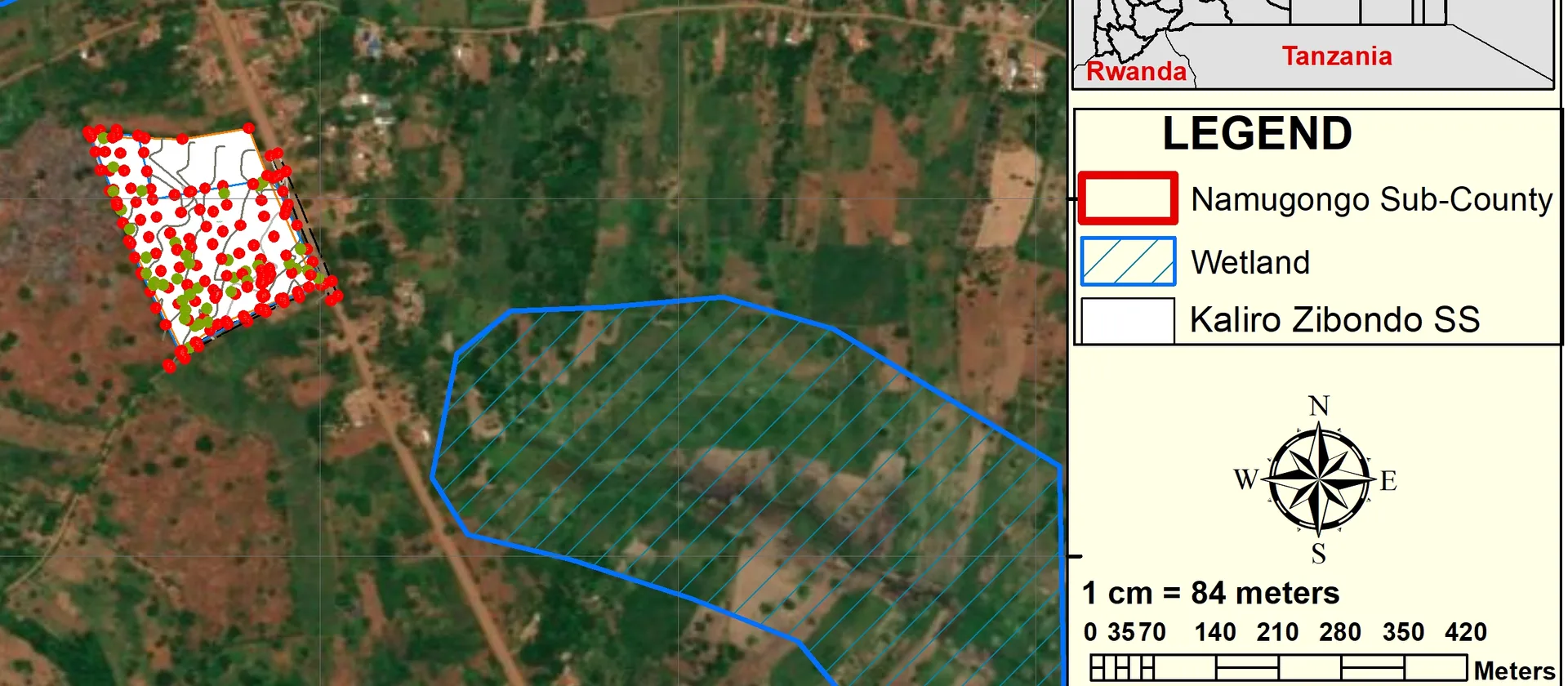
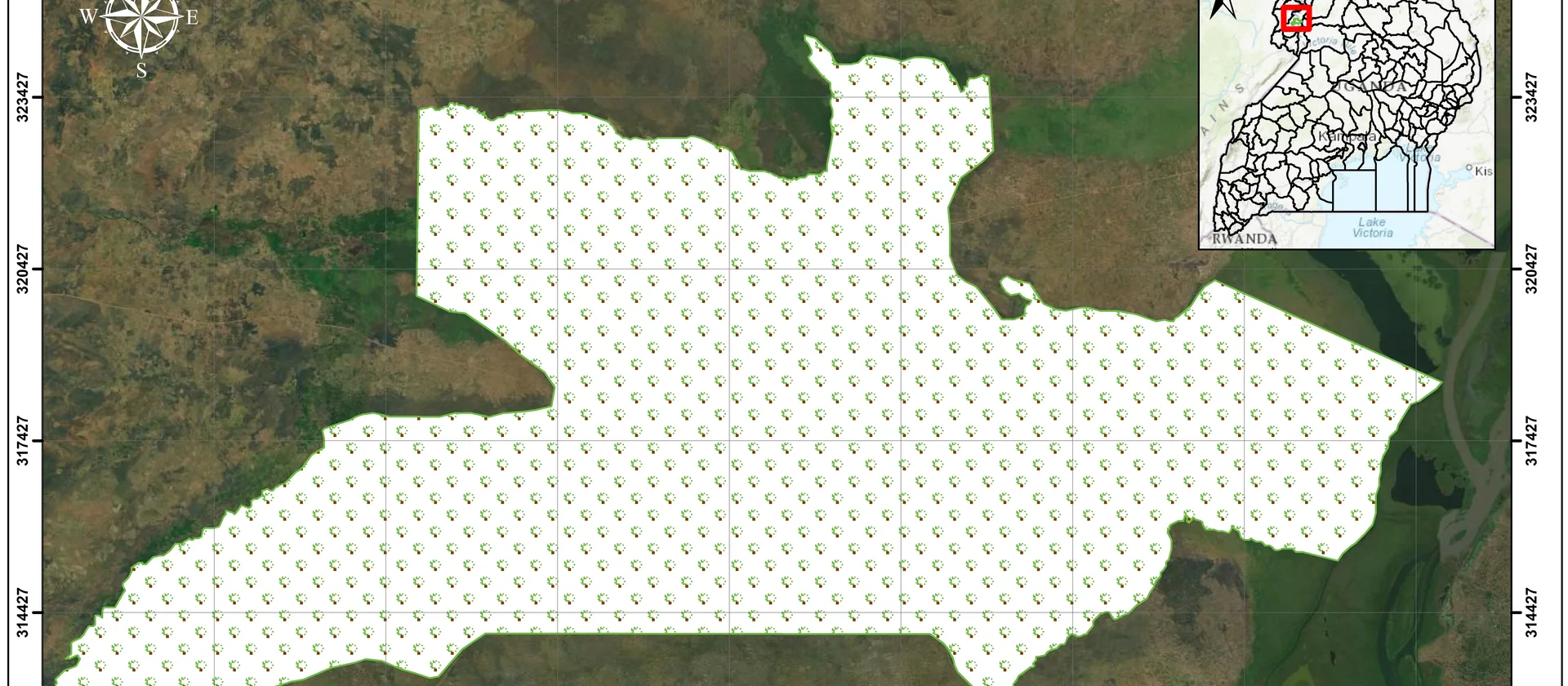
A map is a communication tool. Its job is to convey spatial information clearly and accurately to a specific audience. Technical skill in GIS software is necessary but not sufficient — without an understanding of cartographic principles, even the most rigorous analysis can produce a map that confuses rather than informs. Applying these five principles will make your maps clearer and more effective regardless of the software you use.
The best map is not the one with the most data. It is the one that communicates the right information to the right audience with the least effort on their part.
1. Visual hierarchy
The most important information should be the most visually prominent. Use size, colour value and weight to guide the reader's eye to what matters most. Primary features — the subject of the map — should be rendered with strong, saturated colours and clear outlines. Secondary context layers should recede visually through lighter tones, thinner lines and reduced opacity. A map without hierarchy forces the reader to decide what is important, which is your job, not theirs.
2. Figure-ground contrast
The subject of your map should stand out clearly from the background. A subtle background colour — a light grey, a desaturated blue for water, or a warm off-white for land — helps the primary features read as the figure against a receding ground. Avoid using the same visual weight for both the subject and the context. If everything competes for attention, nothing wins.
3. Legibility
Labels and symbols must be readable at the intended output size. A map that looks fine at full screen may become illegible when printed at A4. Test your map at the final print or screen resolution before finalising. Use a minimum font size of 7–8 pt for labels, ensure sufficient contrast between label text and the background, and avoid placing labels over complex or busy areas of the map where they will be hard to read.
Label placement rules
Point features should be labelled to the upper right where possible. Line features should have labels that follow the line direction. Polygon labels should be centred within the polygon and sized to fit. Avoid label overlaps — use a label priority system or manual placement for dense areas.
4. Colour harmony
Use a limited, purposeful palette. Sequential colour schemes — light to dark in a single hue — suit quantitative data where higher values should appear more prominent. Diverging schemes — two hues meeting at a neutral midpoint — highlight a critical threshold such as above and below average. Qualitative schemes use distinct hues to distinguish unordered categories. Tools like ColorBrewer provide tested, accessible palettes for all three types.
5. Balance and white space
Avoid cluttering the map frame. Leave breathing room around map elements — the map itself, the title, the legend, the scale bar and the north arrow. Ensure the layout feels balanced without being rigidly symmetrical. A well-balanced layout draws the eye naturally to the map first, then to the supporting elements in a logical reading order. White space is not wasted space; it is what makes the content readable.
Have a mapping challenge?
Let's turn your spatial data into an accurate, useful and visually compelling map.